
Multi-Channel Candidate Outreach
On this page
What is multi-channel candidate outreach in CloudHire?
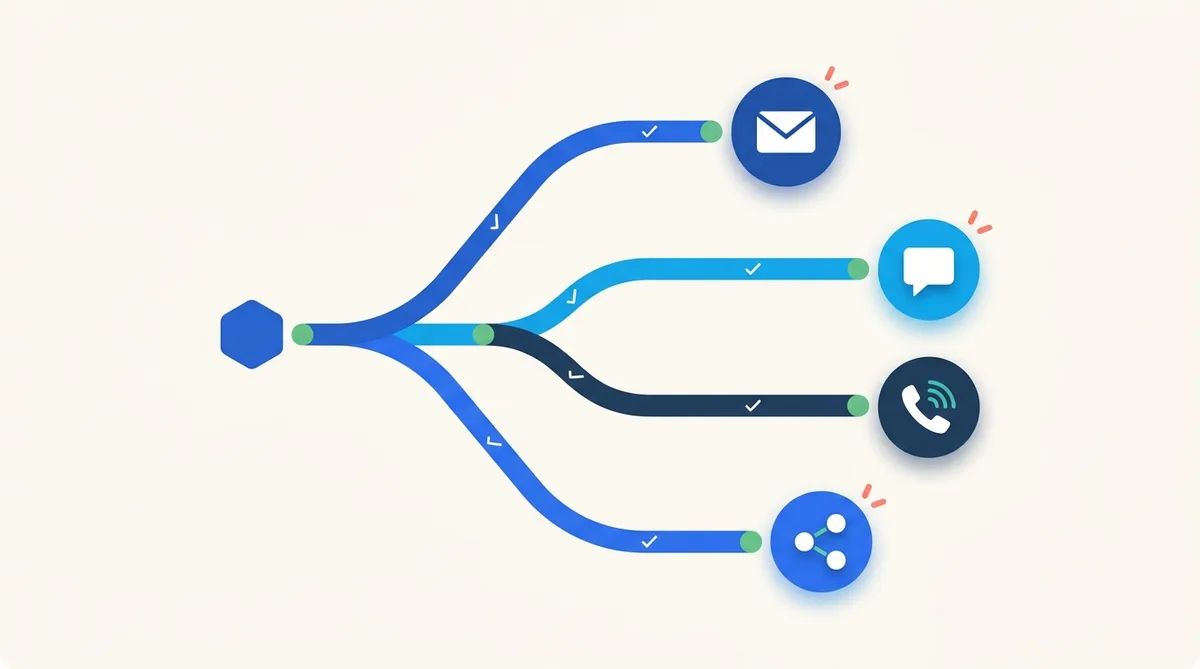
CloudHire is a recruiting platform that lets employers build, track and analyse multi-step outreach sequences across four channels: email, WhatsApp, AI phone calls and LinkedIn. A recruiter designs a sequence once, or asks CloudHire to write it with AI, and the platform sends each step on schedule, records sent, delivered, read and replied states per channel, and routes every candidate response into a single unified inbox.
The problem this solves is familiar to any team that sources at volume: candidates do not all live on one channel. Some answer email within the hour, some only respond on WhatsApp, and passive candidates often need a LinkedIn connection before they will engage at all. Running those touchpoints from four separate tools means four separate histories, no shared timing logic and no way to see which channel actually produced the reply. CloudHire treats the sequence, not the channel, as the unit of work.
This guide covers the full outreach system: the channels, the step editor, enrollment, the unified inbox and analytics. It is part of the CloudHire guides for businesses hub, where you will also find guides on sourcing, pipeline management and integrations.
The four outreach channels
Email is the backbone channel. CloudHire supports multiple connected mailboxes, so a team can send from several addresses, and a per-job sender identity so that outreach for each role comes from the recruiter who owns it. Follow-up steps can reply in the same thread rather than starting a new conversation, signatures are managed per sender, and unsubscribe handling is built into the sequence engine so opted-out candidates are excluded automatically.
WhatsApp outreach goes out through an approved business template, the format required for business-initiated messages. When a candidate replies, CloudHire handles the 24-hour session window in which free-form, two-way messaging is allowed, and shows read receipts on the thread. For markets where candidates answer WhatsApp far faster than email, this channel routinely carries the highest response rates in a sequence.
AI phone calls
CloudHire can place screening calls on the recruiter's behalf as a sequence step. The AI caller reaches out by phone, which means a candidate who ignores written messages can still be contacted without a recruiter dialling manually. Call outcomes flow back into the same enrollment record as every other channel.
Recruiters connect their LinkedIn account to CloudHire and use it for connection requests and messages inside sequences. LinkedIn steps support templates, per-job senders and dedicated metrics: accept rates on connection requests and reply rates on messages. If you are weighing this against a standalone tool, the CloudHire vs LinkedIn Recruiter guide compares the two approaches in detail.
Building a sequence in the step editor
A sequence is an ordered list of steps, each on a channel, separated by delays. The editor gives you precise control over timing and content:
- Delays from minutes to months between steps, with a business-days option so follow-ups never land on a weekend
- Send-at times, so a step scheduled three days out still goes at, say, 9:30 in the morning
- Reply-in-thread for email follow-ups, keeping the conversation in one place in the candidate's inbox
- Managed signatures and automatic unsubscribe handling
- Manual tasks as steps, for actions a human should take, such as a personal call, tracked alongside automated steps
You do not have to write sequences from scratch. CloudHire generates complete AI-written sequences, including copy and cadence, which you can then edit step by step.
Personalisation with merge variables
Messages support ten merge variables, covering candidate, job and sender details, so every message reads as if it was written for one person. The editor shows a sample-value preview, rendering each variable with real example data before you activate the sequence, which catches broken personalisation before a candidate ever sees it.
Channel capability matrix
The four channels differ in what they can do inside a sequence. This matrix summarises the current, live capabilities:
| Channel | Step types | Tracking | Notable controls |
|---|---|---|---|
| New message, reply-in-thread follow-up | Sent, delivered, opened, replied, bounced | Multiple mailboxes, per-job sender, signatures, unsubscribe | |
| Approved business template, then two-way session messages | Sent, delivered, read, replied | 24-hour session handling, read receipts | |
| AI phone call | Automated screening call placed for the recruiter | Call outcome on the enrollment record | No manual dialling required |
| Connection request, message | Accept rate, reply rate | Connected account, templates, per-job senders |
Enrolling candidates: quick invite, auto-invite-all and job-attached sequences
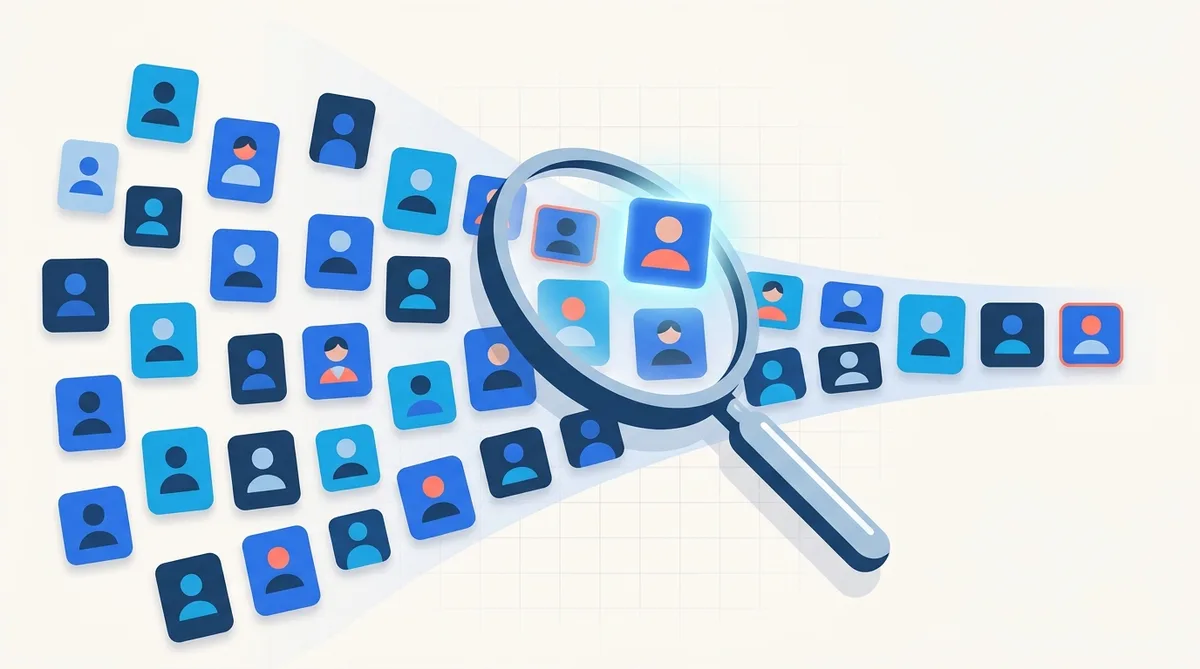
Once a sequence exists, there are three ways candidates enter it. A quick invite enrols an individual candidate in a tap. Auto-invite-all goes further: one tap invites every un-invited sourced candidate on a job into outreach across channels, which matters when AI candidate sourcing has just produced a large pool and contacting each person manually would take a full day.
The third path is automatic. A sequence can be attached to a job, and applicants then join it automatically after an interview invite, so nobody who reaches that stage sits in silence waiting for a human to remember the follow-up. This connects outreach directly to the stages described in the applicant tracking and hiring pipeline guide.
Tracking every enrollment
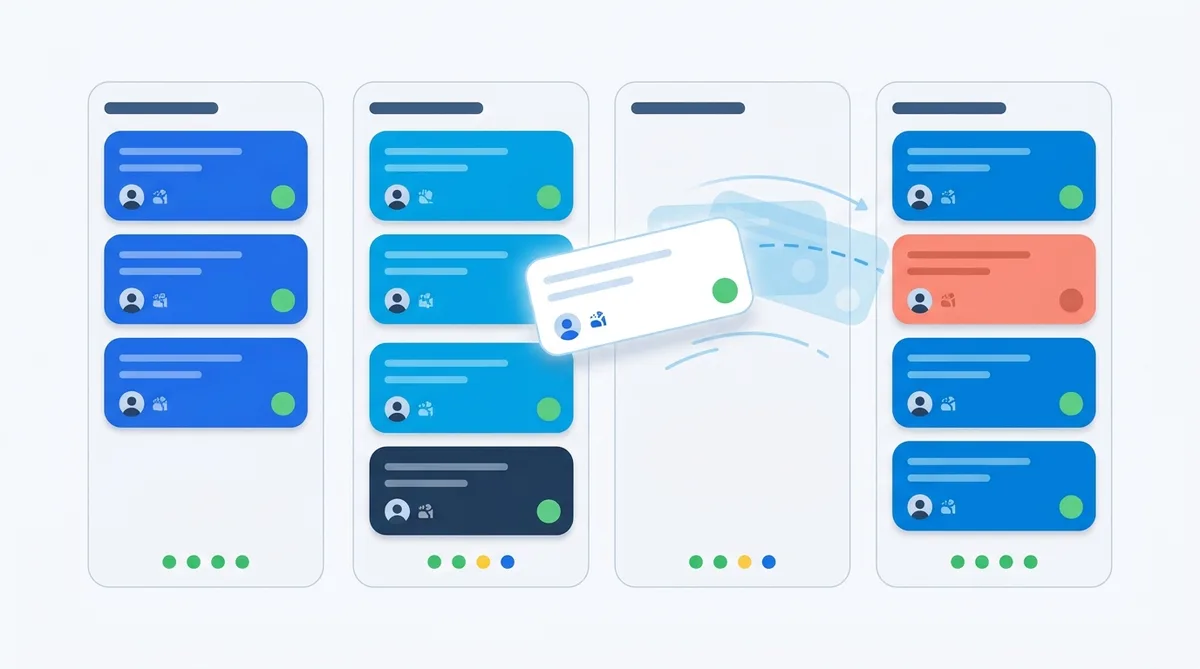
Each enrolled candidate has a per-channel record of sent, delivered, read and replied states, so a recruiter can see at a glance that a candidate read the WhatsApp message but has not answered the email. Enrollments can be paused, resumed or stopped at any time, individually, and manual tasks assigned within a sequence appear as work items for the recruiter to complete.
This granularity is what makes multi-channel sequencing safe to run at scale: the moment a candidate replies anywhere, the recruiter can stop the automation and take over personally. Pausing is equally useful in the other direction, when a role goes on hold for a week, its enrollments pause with it and resume without losing their place in the sequence.
One unified inbox for every reply
Outreach only creates value if replies are handled fast, so CloudHire consolidates email, WhatsApp and in-app chat into one inbox. Teams can connect multiple mailboxes and keep a per-job sender identity, meaning the reply always comes from the address the candidate originally heard from.
WhatsApp threads respect the 24-hour session rules and show read receipts. In-app chat runs over websockets in real time, and each candidate thread is owned by one recruiter, which prevents two team members answering the same person with different messages. The net effect: a candidate can start on LinkedIn, continue on email and finish on WhatsApp, and the recruiter sees it as one continuous conversation.
Sequence analytics: knowing what works
CloudHire reports sequence performance across opens, replies, interested responses and bounces, with a channel split that shows exactly how much of your response volume comes from email versus WhatsApp versus AI calls versus LinkedIn. Date ranges run from 7 to 180 days, and everything exports to CSV for teams that want to analyse further in a spreadsheet or BI tool.
In practice, teams use the channel split to rebalance sequences: if WhatsApp is producing three times the reply rate of email for a given role and market, the next sequence leads with WhatsApp. Bounce data serves a different purpose, flagging list-quality problems early, before deliverability suffers, while the interested count is the number that actually predicts hires, since it filters polite acknowledgements out of raw reply volume. Recruiters describe this feedback loop in their own words in CloudHire reviews.
Where outreach fits in the CloudHire workflow
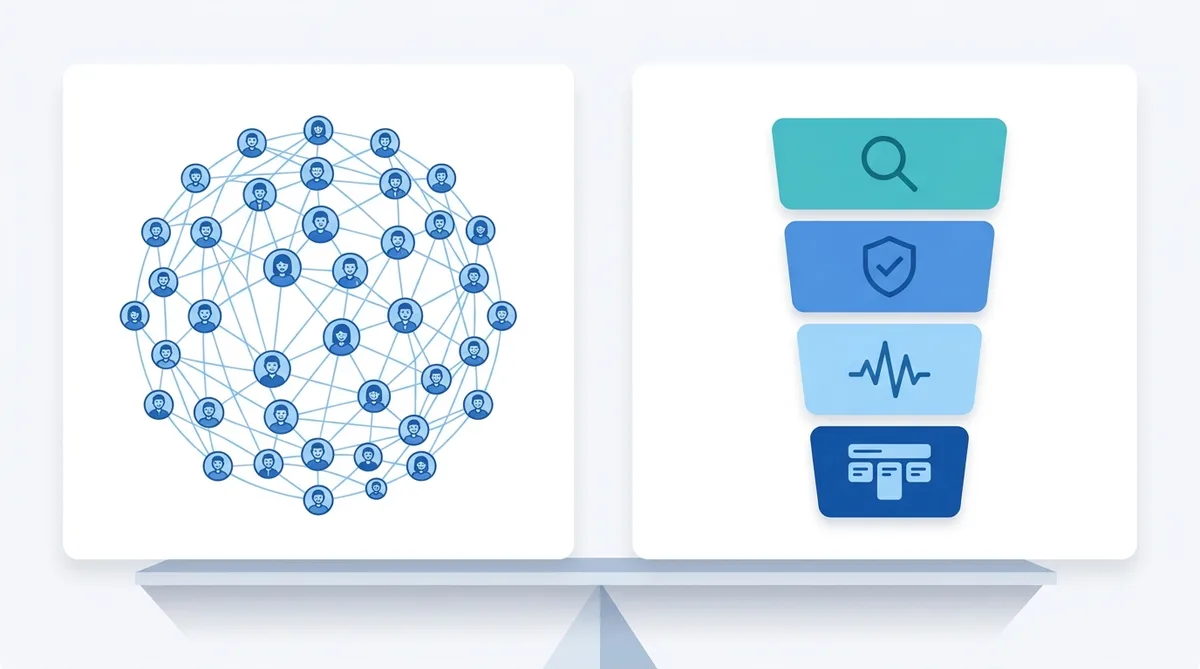
Outreach sits between sourcing and the pipeline. Sourcing builds the pool, sequences convert the pool into conversations, and interested candidates move into pipeline stages where interviews and offers happen. Because all three live in one platform, there is no export-import step and no attribution gap: the sequence that produced a hire is visible on the hire's record.
To see how hiring teams combine these pieces end to end, read the CloudHire case studies. And if you want to see multi-channel sequences running on your own roles, with your own mailboxes and WhatsApp templates, talk to the CloudHire sales team for a walkthrough on live data.
Frequently asked questions
Which channels does CloudHire candidate outreach support?
CloudHire sequences run across four channels: email, WhatsApp, AI phone calls and LinkedIn (connection requests plus messages). You can mix channels freely inside one multi-step sequence, and every response from every channel lands in the same unified inbox alongside in-app chat, so a candidate who replies on WhatsApp and a candidate who replies by email are handled in one place.
Can CloudHire write outreach sequences for me?
Yes. CloudHire can generate a complete multi-step sequence with AI, including the copy for each step and the spacing between steps. You can then edit every step in the sequence editor, adjust delays from minutes to months, set send-at times, and personalise messages with ten merge variables that show a sample-value preview before anything is sent.
How does WhatsApp outreach work in CloudHire?
The first WhatsApp touch is sent through an approved business template, which is required for business-initiated messages. Once a candidate replies, CloudHire manages the 24-hour session window for free-form, two-way conversation, complete with read receipts. Those threads live in the unified inbox next to email and in-app chat, so recruiters never switch apps to continue the conversation.
What is auto-invite-all in CloudHire?
Auto-invite-all is a one-tap action that enrols every un-invited sourced candidate on a job into outreach across channels. Instead of selecting candidates one by one, a recruiter taps once and CloudHire invites the entire remaining pool. For individual candidates there is also a quick invite, and a sequence attached to a job enrols applicants automatically after an interview invite.
How do I measure whether my outreach sequences are working?
CloudHire sequence analytics report opens, replies, interested responses and bounces, with a channel split showing how email, WhatsApp, AI calls and LinkedIn each perform. You can view any range from 7 to 180 days and export the data as CSV. Per-enrollment tracking shows sent, delivered, read and replied states for every candidate on every channel.
Related guides
See CloudHire on your own roles
Search candidates, run AI interviews and launch outreach on one platform — free to start, no demo call required.